Hi People,
Hope you are doing good, I know I took a little longer to publish this blog, so apologies there.
In this blog, I will be sharing my approach for finding Dependency Confusion bugs. This blog is totally inspired by Alex Birsan's finding on Dependency confusion.
Let’s Begin! :)
# What is Dependency Confusion?
A Dependency Confusion attack or supply chain substitution attack occurs when a software installer script is tricked into pulling a malicious code file from a public repository instead of the intended file of the same name from an internal repository.
Case Study
It was an interesting find when the blog was published and unknown to the internet which attracted many eyes and I was also one of many who wanted to find a dependency confusion bug.
Dependency confusion bugs can be reported when you found a package that is not listed in the public source directory and is still getting installed. Some languages where this vulnerability can be found are python, npm, ruby, etc...

The major bugs which I reported were npm-based dependencies.
#How to identify a vulnerable package?
Look for package names under dependencies or devDependencies in package.json file
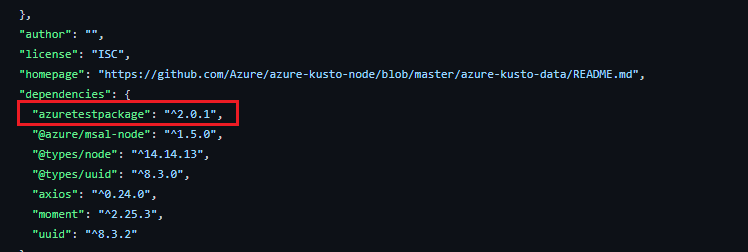
Package name: azuretestpackage
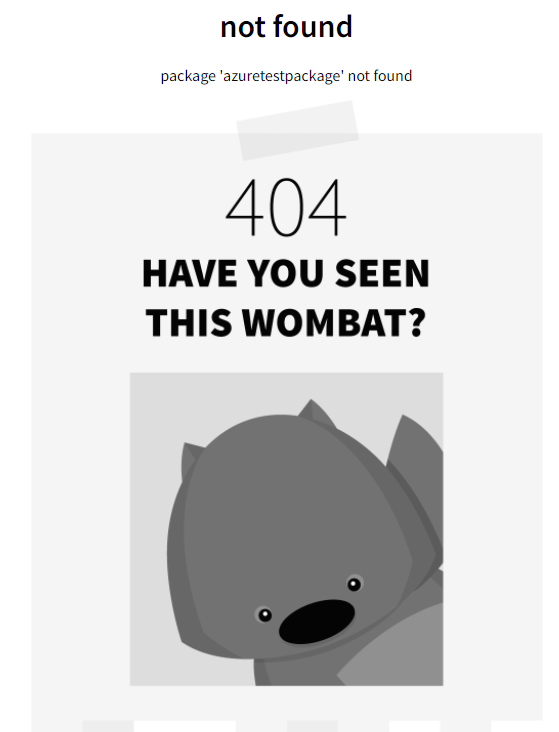
Navigate to https://www.npmjs.com/package/azuretestpackage and it will show that the package is not present in npmjs directory and that makes it available to takeover.
The Approach for finding packages
- finding /package.json file on subdomains.
To look for this file on subdomains I used nuclei, as a template was already present in the nuclei-templates repository, and without wasting time I ran it on my all targets.
id: package-json

info:
  name: npm package.json disclosure
  author: geeknik,afaq
  severity: info
  description: All npm packages contain a file, usually in the project root, called package.json - this file holds various metadata relevant to the project.
  tags: config,exposure

requests:
  - method: GET
    path:
      - "{{BaseURL}}/package.json" //removed line 14 from original tempalte
    matchers-condition: and
    matchers:
      - type: word
        words:
          - "name"
          - "version"
        condition: and

      - type: word
        words:
          - "application/json"
        part: header

      - type: status
        status:
          - 200
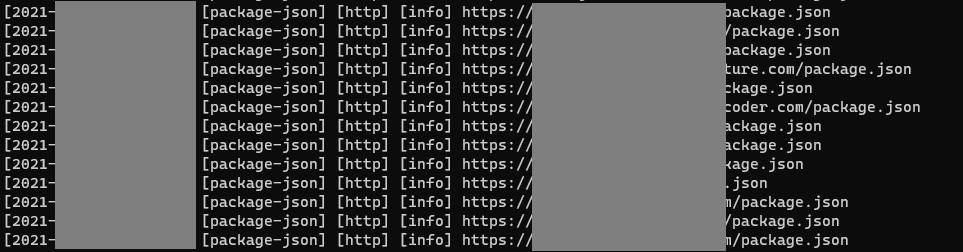
Now, when the nuclei scan is completed we have to download the package.json file from these subdomains and it can be done easily with this oneliner.
cat packages.txt | awk ‘{print $6}’ | fff -s 200 -o roots
Here in this one-liner, I have used awk and fff (by tomnomnom)
this oneliner is saving the header and body part of the URL in a file and body part is important for us which I will use later in this blog.
2. collecting package.json from Github (where the magic happens)
- Manually by using GitHub dorks from the search bar.
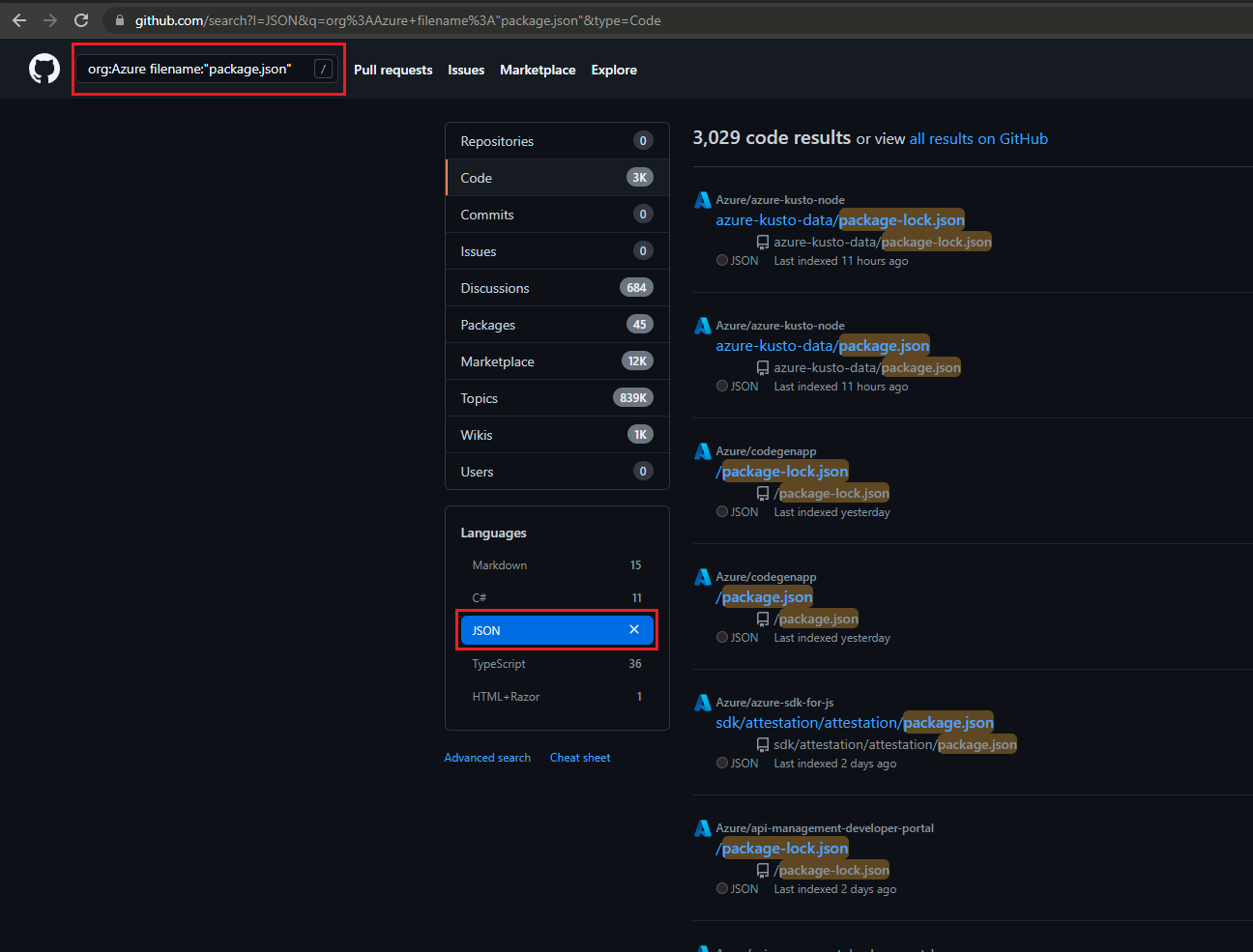
- My automated way to do this!
So, to automate this job we have to set up some tools.
a) webpaste: https://github.com/tomnomnom/hacks/tree/master/webpaste
b) jq: https://github.com/stedolan/jq
c) httpx: https://github.com/projectdiscovery/httpx
How to use webpaste:
Who can tell it better than the author himself (TomNomNom)
After installation, I created a new snippet so that I can git clone all the repositories of an organization and combined it with a script ghclone to save it on my VPS.
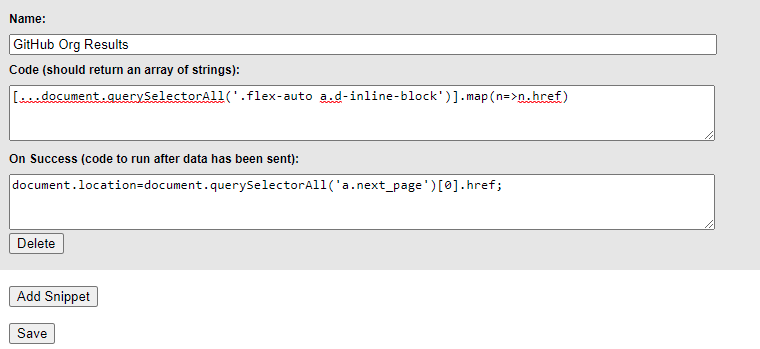
Save this snippet in your chrome extension and run this command on your command line:
webpaste -p 8843 | xargs -n1 -P15 ghclone
Webpaste is ready to use to clone the repositories. Now to start cloning visit the repository page of the organization and click on “Github Org Results” on your webpaste extension (with the snippet you saved above) and it will start cloning the repositories and move to the next page, repeat the same process until you reach the last page of the organization.
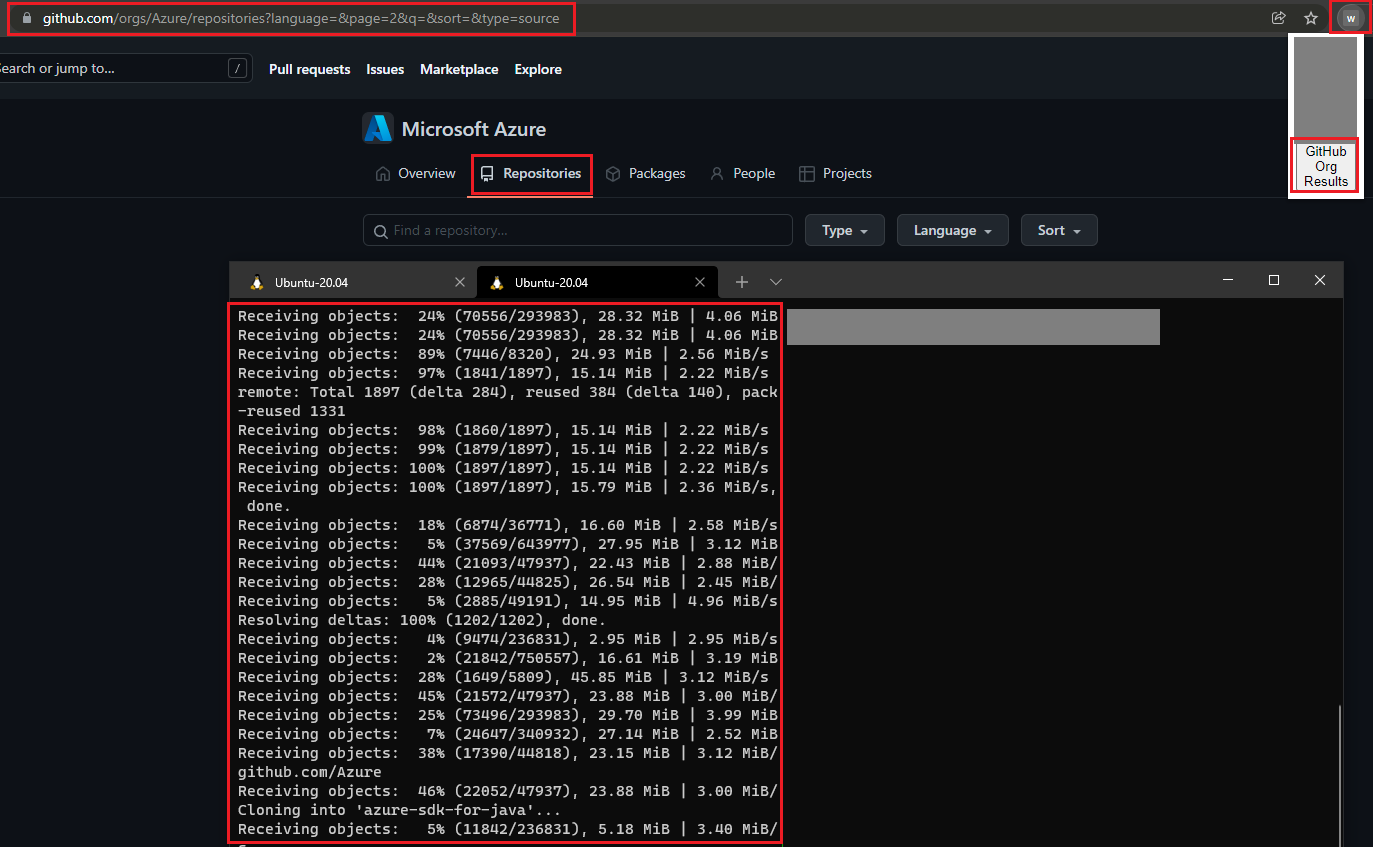
- Automated tool — ghorg
I have also discovered a tool that also makes it a lot easier to clone all the repositories from an organization.
syntax: ghorg clone someorg — concurrency=50 — token=
After all the cloning is done, I made a oneliner to find the package.json file from all the cloned repositories and then grep the packages with grep, cut, awk, tr, and other essential Linux tools, and then with the help of httpx I checked if the packages are available or not!
The one-liner:
find . -type f -name package.json | xargs -n1 -I{} cat {} | jq -r '.dependencies + .devDependencies' | cut -d : -f 1 | tr -d '"|}|{' | sort -u | tr -s " " | sort -u | xargs -n1 -I{} echo "https://registry.npmjs.org/{}" | grep -v "@" | httpx -status-code -silent -content-length -mc 404Online explaination: find command is used to find all the package.json file from the current directory and jq is used to grep the packeges under dependencies and devdependenceis from the .json file. I used registry.npmjs.org because when i appended package name in front of https://www.npmjs.com/package/<package> I got hit by rate limit in no time. httpx is used with -status-code and -mc 404 to show urls which giving 404 as status code.
Running this command successfully will give you output something like this:
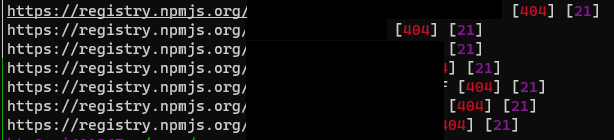
We can also use this oneliner in roots folders where we collected package.json files with the help of fff. ( Mentioned above in point 1)
Github Tool to perform the above job by Checkmarx:
syntax: dustilock -p /tmp/code -r
/tmp/code is the location where repositories are cloned.
Now to takeover a package that is not present you can follow dhiyanesh’s blog where he has shared code and explained in detail how to receive a callback for a valid PoC. So kudos to Dhiyanesh!
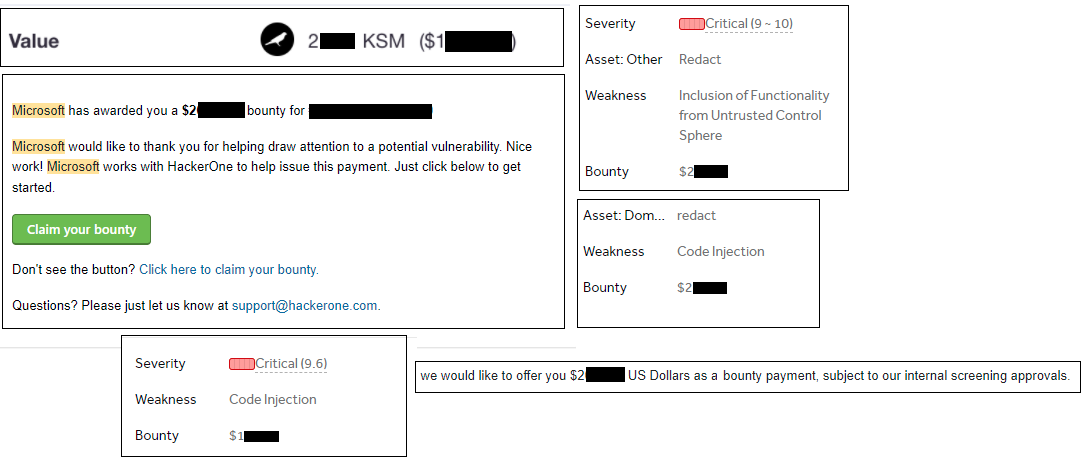
I’m so happy to share some bounties received after successful validation of the dependency confusion bug.
References:
- https://medium.com/@alex.birsan/dependency-confusion-4a5d60fec610
- https://dhiyaneshgeek.github.io/web/security/2021/09/04/dependency-confusion/
- https://www.youtube.com/watch?v=P13xrz0EgNw
- https://www.youtube.com/watch?v=4ggqsJeSu04
- https://github.com/gabrie30/ghorg
Kudos to TomNomNom for making these amazing tools:
Thanks for reading, hope you liked it.
Connect with me on LinkedIn, Twitter
If you enjoyed this blog, please click the 👏 button and share it to help others find it.
~Your friendly neighborhood hacker ¯\_(ツ)_/¯
From research to a scoped assessment.
Explore Web application penetration testing or browse the full Bug Bounty Archive for more evidence-focused research.
Research topics: npm / dependency-confusion / hetorublemakr / bug-bounty / hacking